
Notifications and reminders in Cami
Cami has two reminders today: a growth reminder to weigh and measure, and a pump alarm. It does not notify you when someone in your family logs.
Both are set on each iPhone, and each person in the family chooses their own.
Growth reminders
A notification when it’s time to weigh and measure a child again, on the rhythm you choose.
- On Home, tap Growth.
- Tap the bell at the top.
- Turn on Remind me.
- Under Remind every, pick how often, then set the Reminder time.
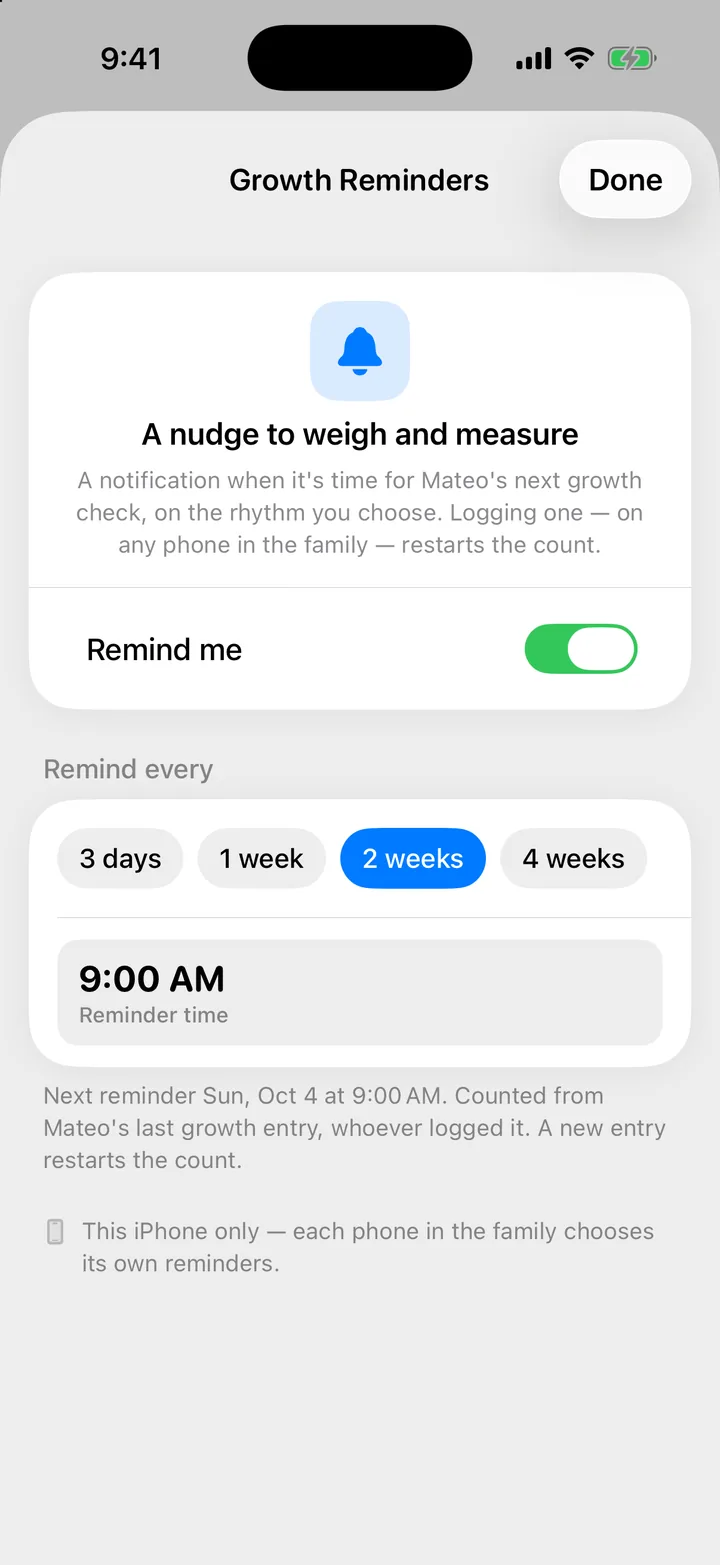
The count starts from the child’s last growth entry, whoever logged it. A new entry, on any phone in the family, restarts it. Each phone in the family chooses its own reminders. More in Log weight, length and head size.
Pump alarm
One alarm for your next pumping session. It rings even on silent, on this iPhone only.
- On Home, tap Pumping.
- Tap the alarm clock at the top to open Next pump.
- Choose when, then tap Set alarm.
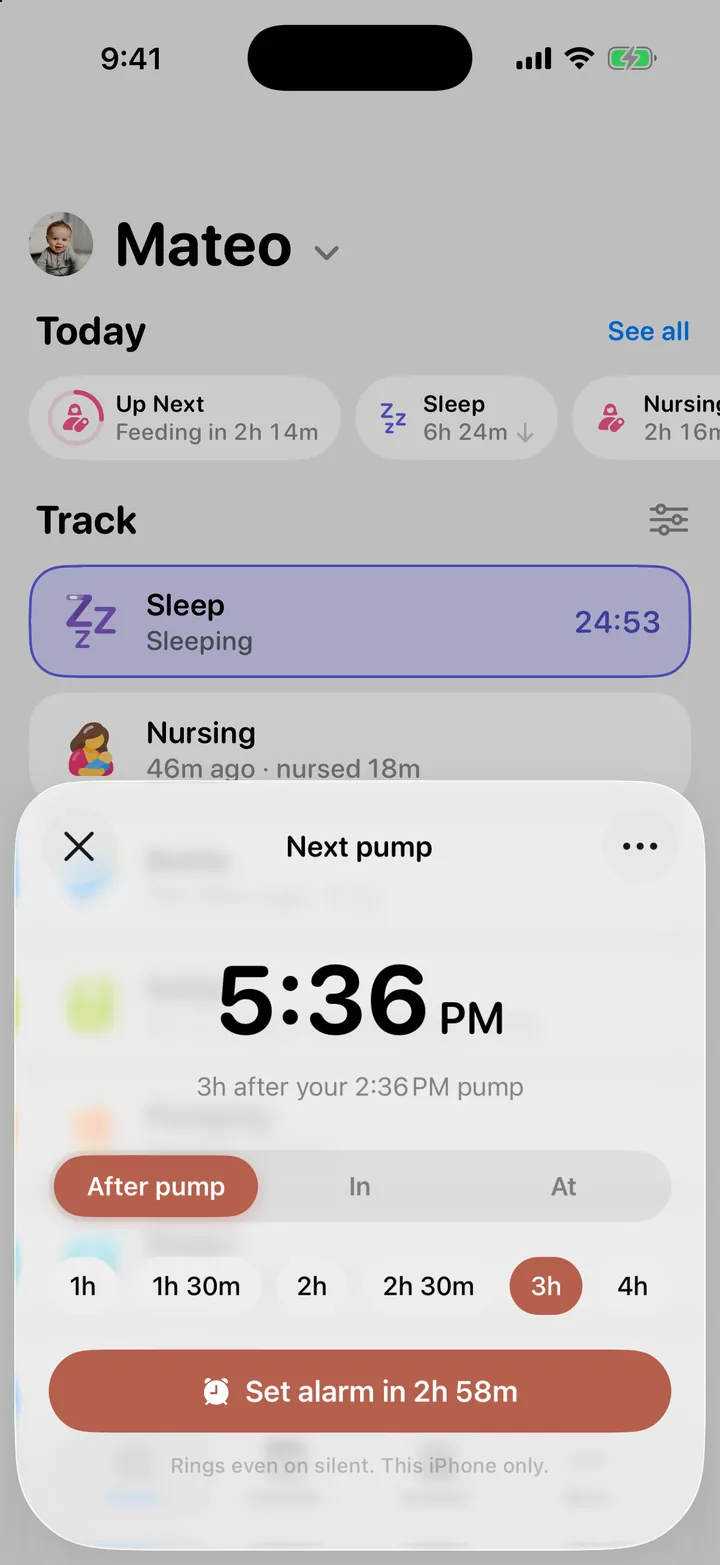
To stop it, open Next pump again and tap Turn off alarm. More in Log pumping and set a pump alarm.
What Cami doesn’t notify you about
- When someone else logs. Their entries reach your phone right away, but quietly. While Cami is open, a short message tells you when someone else logs. A running timer, yours or your partner’s, also shows on your Lock Screen: see Timers on the Lock Screen and in the Dynamic Island.
- Feeds, naps and medicine. Cami has no reminders for these. The Feeding in 32m and Sleep in 23m pills on Home show a window, never a reminder. See Feeding intervals and wake windows.
The Notifications screen
More, Settings, Notifications lists the kinds of news Cami can send you. For most families it says There’s nothing to turn on for your family yet. That’s expected. The growth reminder and the pump alarm are set on their own screens, as above.
My growth reminder never arrives
Cami needs permission to send notifications. If the Growth Reminders screen says Notifications are off in iOS Settings, tap that row and turn notifications on for Cami. Your rhythm is kept.
It says alarms are blocked for Cami
Cami needs permission to set alarms. In Next pump, tap Allow alarms in Settings, turn alarms on for Cami, then set the pump alarm again.
My partner's phone didn't ring
The pump alarm and growth reminders belong to the iPhone that set them. Your partner sets their own on their phone.

Still need help?
Write to us and a person reads it, usually within a day. From the app, Send Feedback attaches the details that help us fix it.
In Cami: More › Settings › Send Feedback