
Set up Cami for your baby
Open Cami, tap Get Started, answer a few questions about you and your baby, and create your account. It takes a few minutes.
Before you start
- You need an iPhone with iOS 26 or later. See Which iPhones, countries and languages Cami supports.
- If your partner already uses Cami, do not set up a second family. Join theirs instead: tap Scan Family Code on the first screen, or see Join your family on Cami.
- If you already have an account, tap Sign in at the bottom of the first screen.
Set up your family
- Open Cami and tap Get Started.
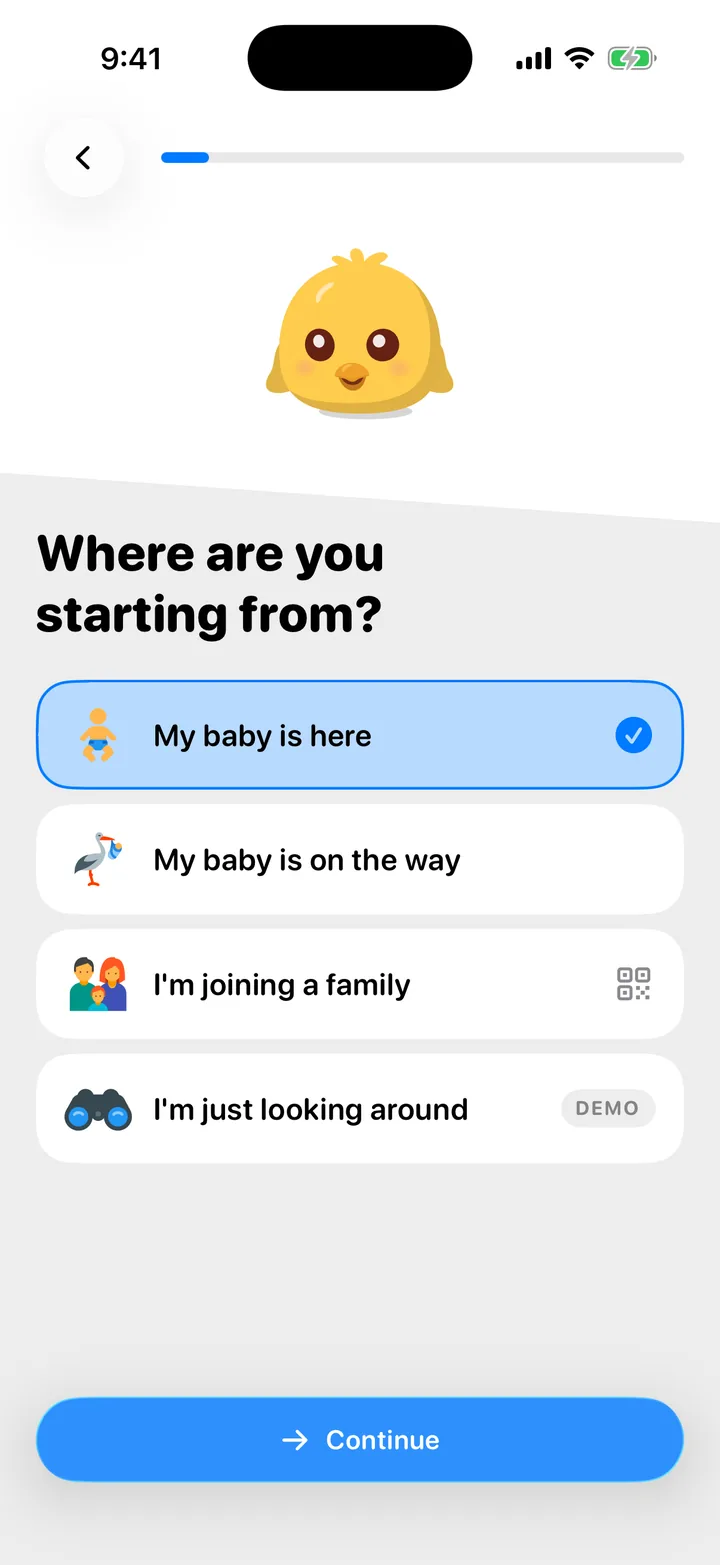
- Choose My baby is here, then tap Continue. If your baby is not born yet, choose My baby is on the way and read Use Cami before your baby is born.
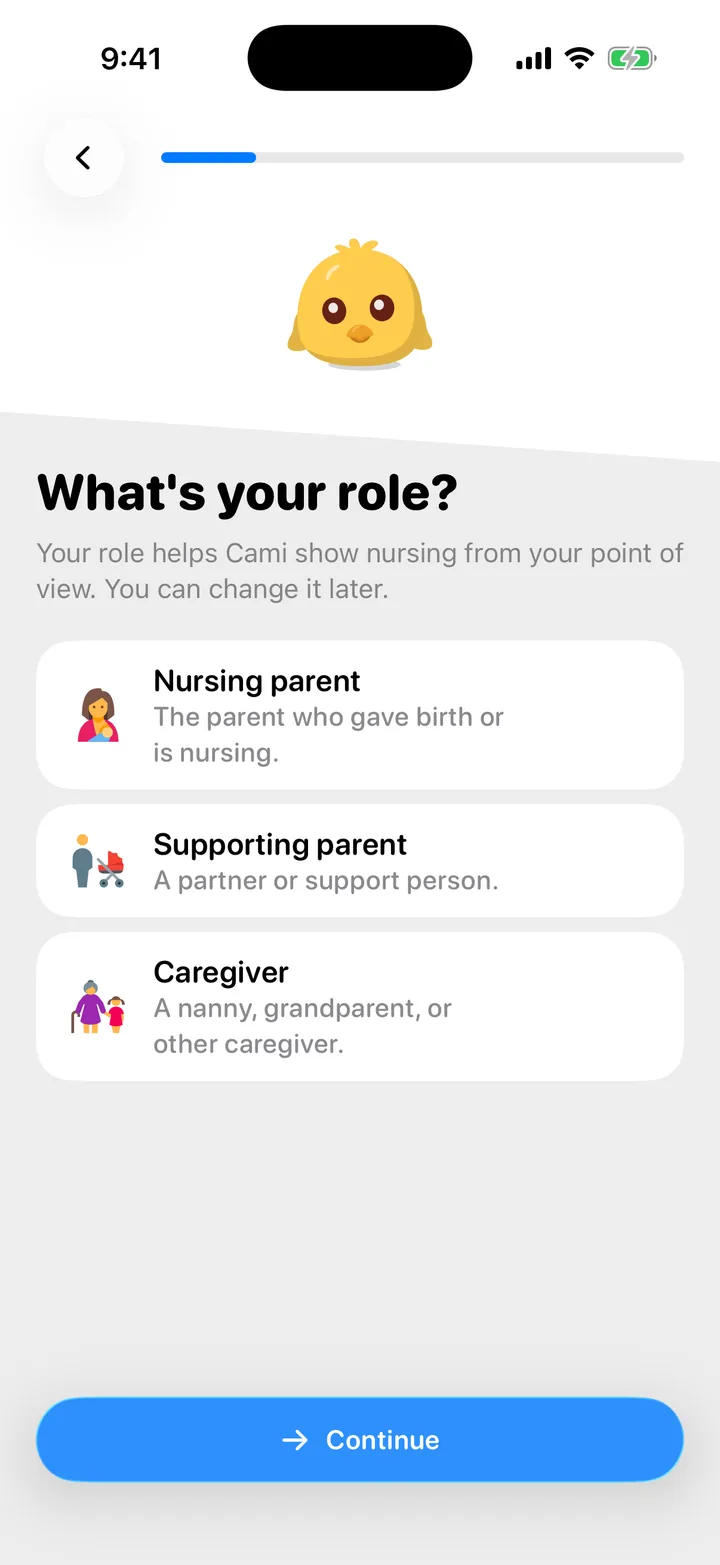
- Pick your role: Nursing parent, Supporting parent or Caregiver. The role only changes how nursing is shown to you. You can change it later.
- Enter your baby’s birth date, then their name.
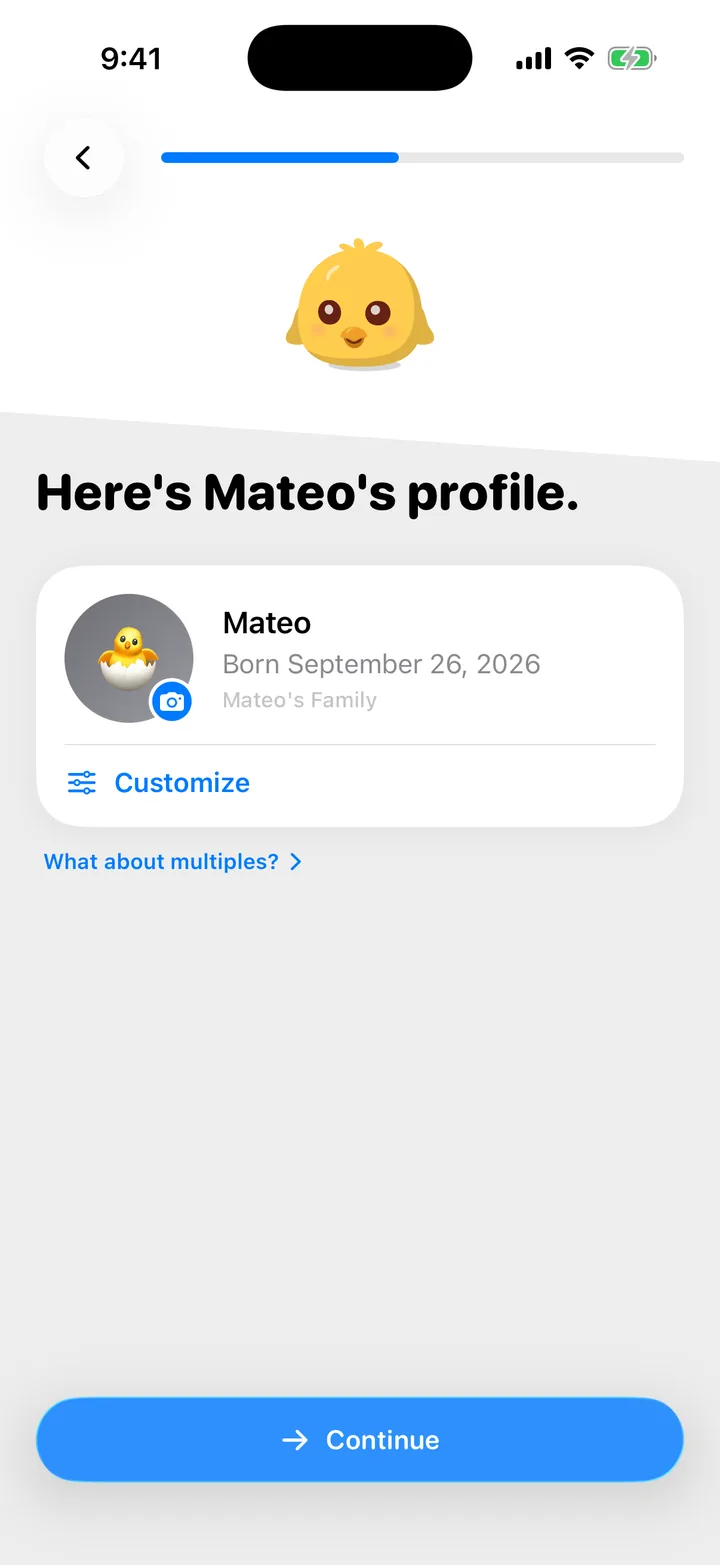
- Check your baby’s profile. Tap Customize to add a photo or an emoji.
- If you used Huckleberry or Nara Baby before, choose Yes, I’m coming from another app to bring your history with you. Otherwise choose No, I’m starting fresh.
- Tap Show Me to practice logging a sleep, or Skip for Now. The practice sleep is not saved.
- If a friend sent you a Cami link, answer yes to Did someone refer you to Cami?.
- Create your account with Apple, Google or your email. See Create an account and sign in.
Twins or more? Set up one baby first, then add the others. See Track twins and siblings, and switch between children.
What comes next
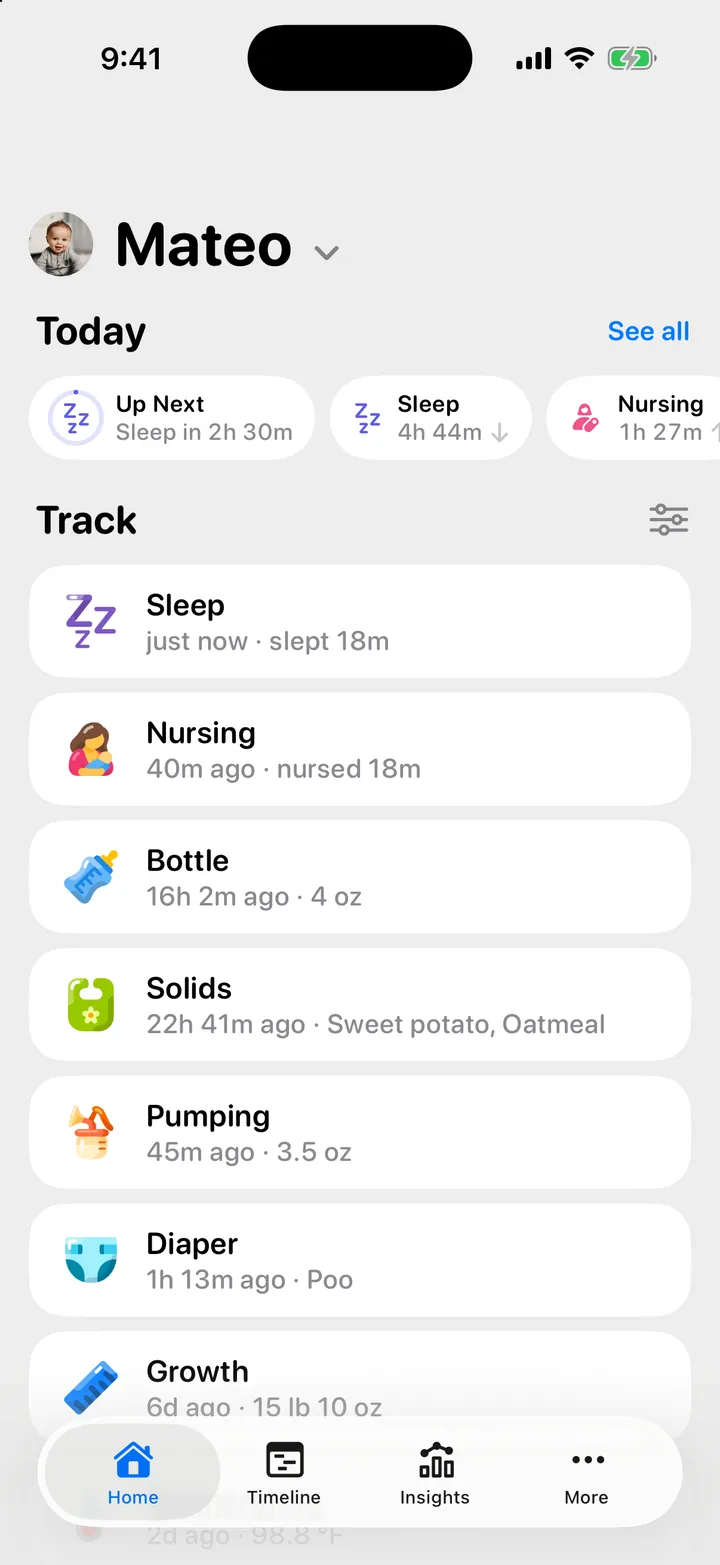
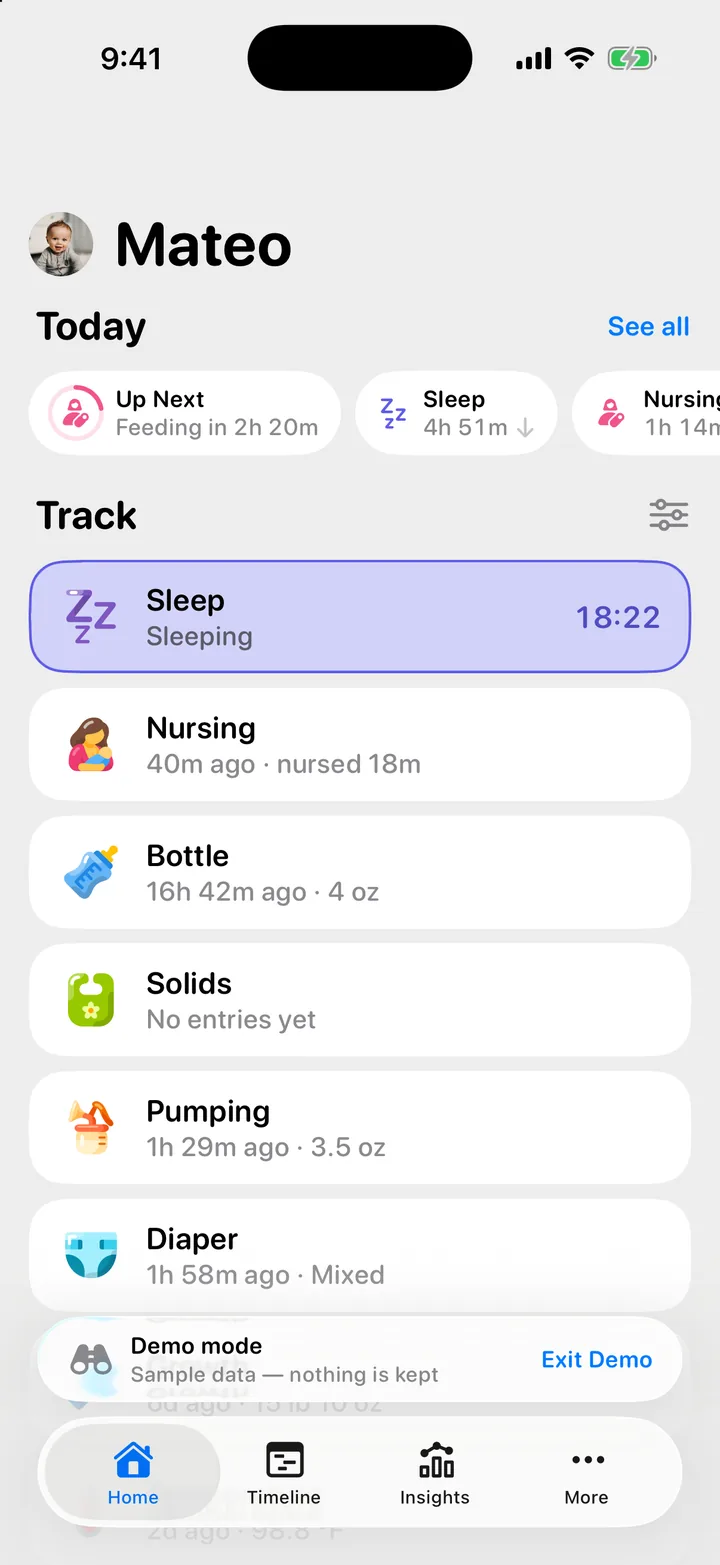
Home shows one row for each thing you track, under Track. Tap a row to log it. Everything you log syncs to everyone in your family.
Good first steps:
Try the sample family first
You can look around before you set anything up.
- On Where are you starting from?, choose I’m just looking around.
- Tap Launch Demo.
You’re now in the Rivera family: Sofia, Daniel and their son Mateo, with a few weeks of sample history. Log, edit and explore as much as you like. Nothing you do there is kept, and the sample family lives on this phone only. Inviting people, joining a family and Founding Family are not part of the demo.
To leave, tap Exit Demo on the Demo mode strip above the tab bar.
My partner already set up Cami. Do I start again?
No. Join their family so you both see the same log. Ask them to share their invite from More, Invite, then scan it or open the link. See Join your family on Cami.
I picked the wrong role
Change it any time: open More, Members and tap the role under your name to pick another. A role grants no extra rights. It only changes how nursing is shown to you.

Still need help?
Write to us and a person reads it, usually within a day. From the app, Send Feedback attaches the details that help us fix it.
In Cami: More › Settings › Send Feedback