Track sleep and naps, and how night vs nap is decided
Tap Sleep on Home, then Start Sleep. Cami files each sleep as night sleep or a day nap by the time it starts, using the hours in More › Day & Night.

On this page
Time a sleep
- On Home, tap Sleep .
- Tap Start Sleep. If your child fell asleep a few minutes ago, set Start time first.
- When your child wakes, tap Stop Sleep. The timer stops and Cami shows the sleep for you to check.
- Tap Save Sleep.


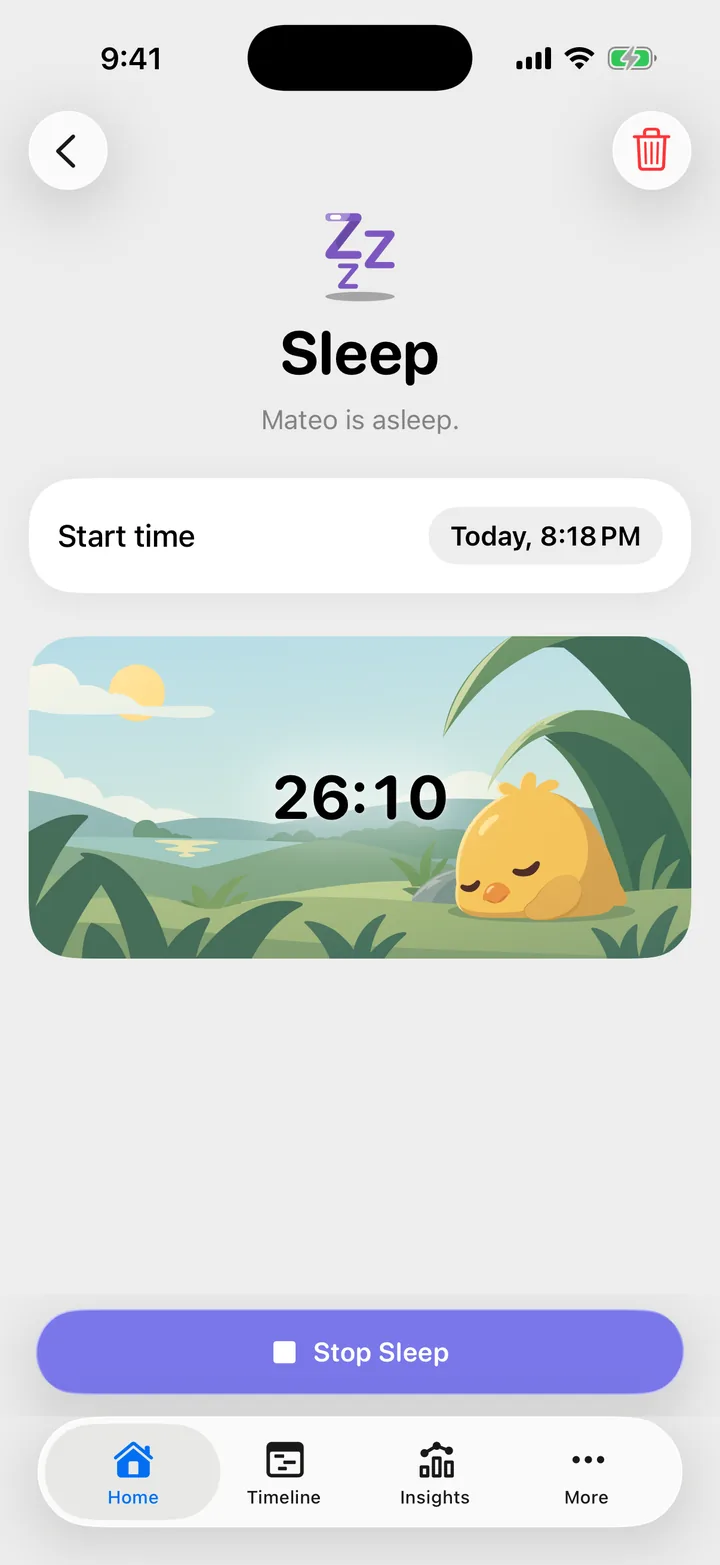
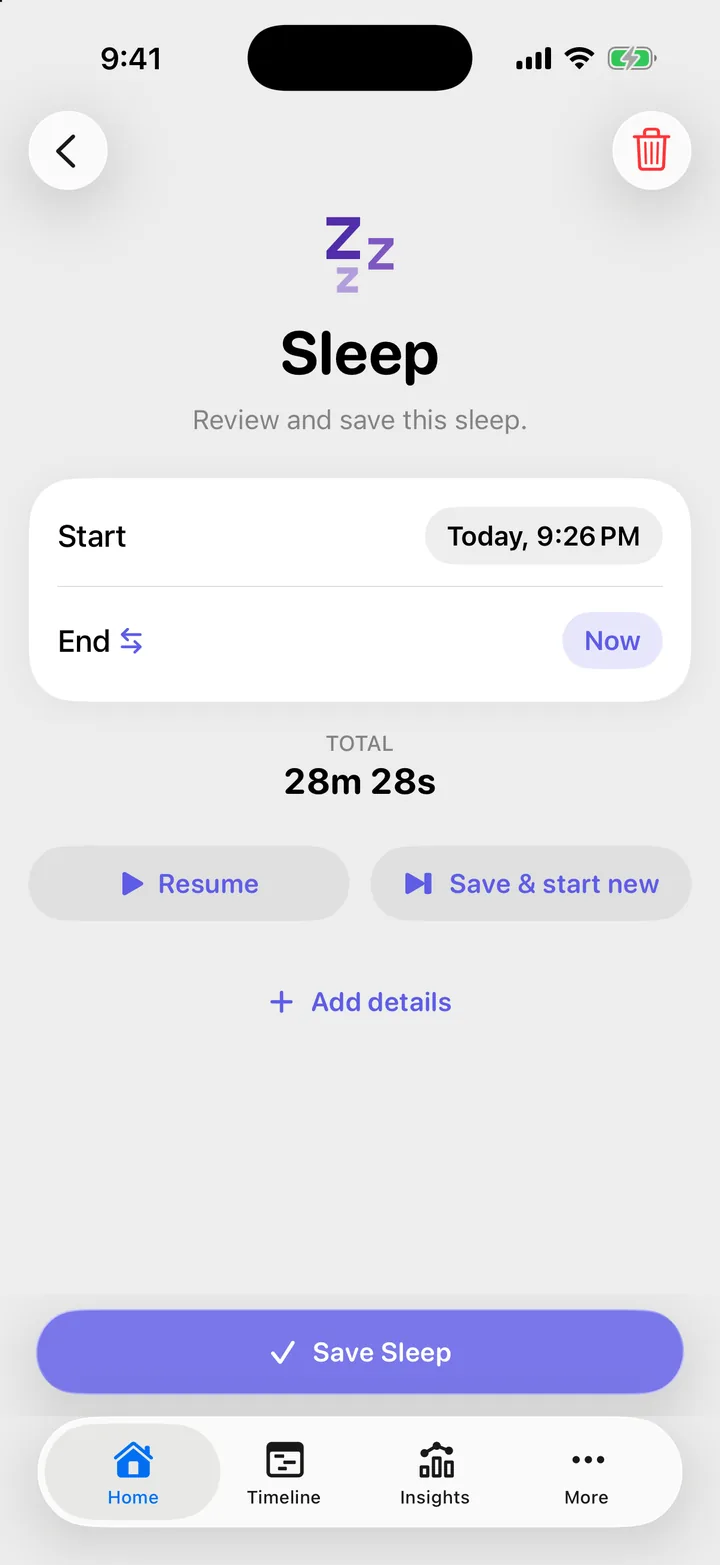
After Stop Sleep you have two more choices:
- Resume puts the same sleep back on the timer, with the same start time. Use it when your child only stirred.
- Save & start new saves this sleep and starts a new one now.
Anyone in your family can stop and save a sleep that someone else started.
Add a sleep you did not time
- Open Home, Sleep and tap Switch to manual entry.
- Set Start and End. To type how long it lasted instead, tap the switch on the End row.
- Tap Save Sleep.
You can also add a past sleep from the Timeline. See Edit, reopen or delete an entry.
Where your child slept
Tap Add details on the form and choose a place under Where: Crib, Bed, Stroller, Carrier, Car or Other. Tap the place again to clear it. The same card has a note.
Night sleep or day nap
Every sleep is filed by the time it starts:
- A sleep that starts inside the night window is Night sleep.
- A sleep that starts outside it is a Day nap, even when it runs past the start of the night.
- One exception: a sleep that starts a little before the night window and keeps going well into it counts as night.
To see or change the night window, open More, Day & Night.
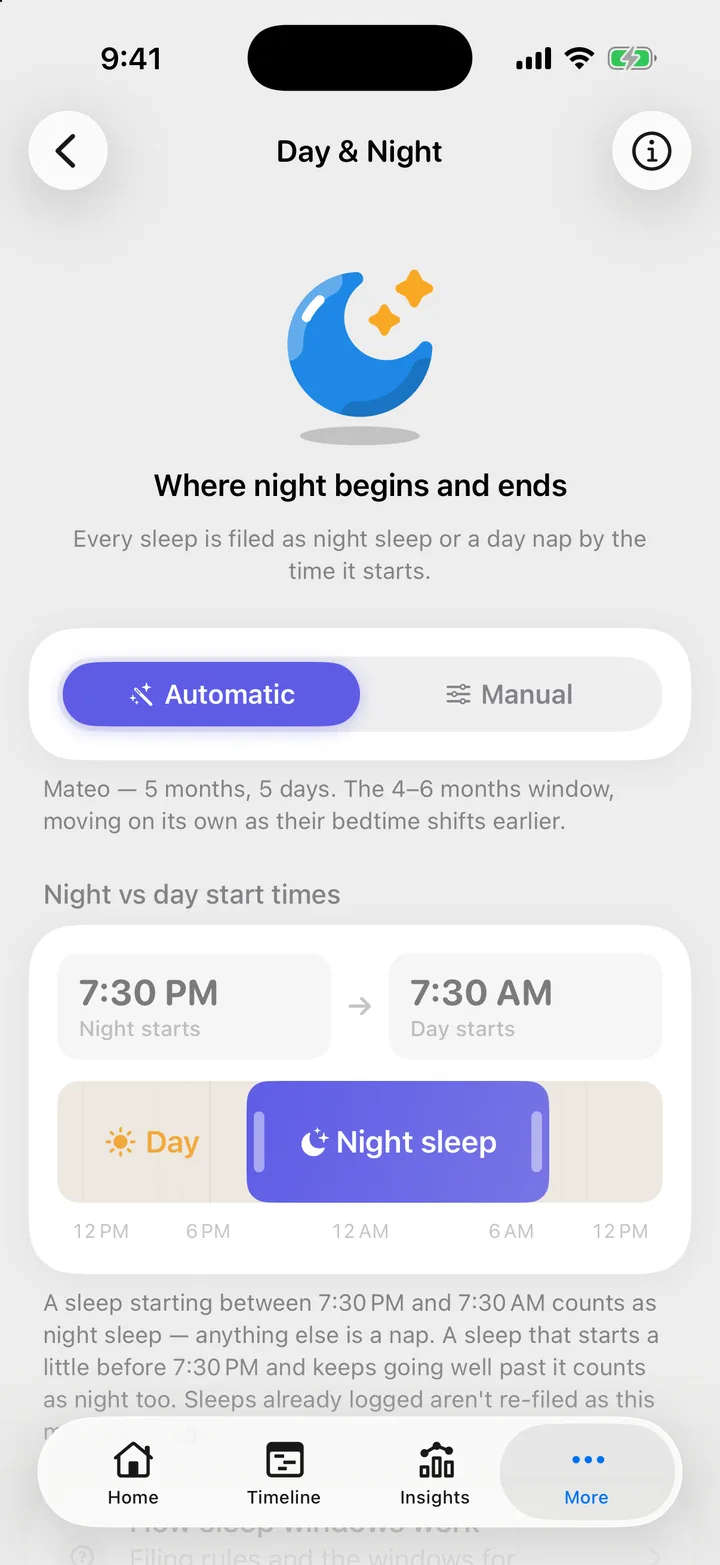
- Automatic sets the window from your child’s age and moves it as your child grows. Sleeps you already logged keep the label they had.
- Manual lets you drag the handles, or tap a time to set it exactly. When you move a handle, sleeps you already logged are re-filed too.
Each child has their own window, and it is the same for everyone in the family.
Troubleshooting
A nap was counted as night sleep, or the other way round
Look at the start time of the sleep and the window in More, Day & Night. If the window is wrong for your family, choose Manual and move the handles. Cami re-files your past sleeps to match.
I stopped the timer by mistake
If you have not saved yet, tap Resume. If you already saved, open the sleep on the Timeline and tap Reopen. This works for 15 minutes after you save.
Cami asks to end the sleep when I start a feed
Starting a nursing or bottle timer while a sleep runs asks End the sleep?. Tap End it and start, or Keep it running and start to keep both going.

Still need help?
Write to us and a person reads it, usually within a day. From the app, Send Feedback attaches the details that help us fix it.
In Cami: More › Settings › Send Feedback