Log meals, first foods and reactions
Tap Solids on Home, add each food from the list or type your own, set how much and how it went, and tap Save. Turn on Noticed a reaction if you saw one.

On this page
One entry is one meal, with as many foods as you need.
Log a meal
- On Home, tap Solids .
- If the meal was earlier, tap Now next to When and pick the time.
- Under Foods, tap Search or add food. Pick a food from the list, or type a name and tap it to add your own.
- To add more, tap Add another food. Foods you logged before also show as chips at the top of the card, ready to tap.
- Tap Save.

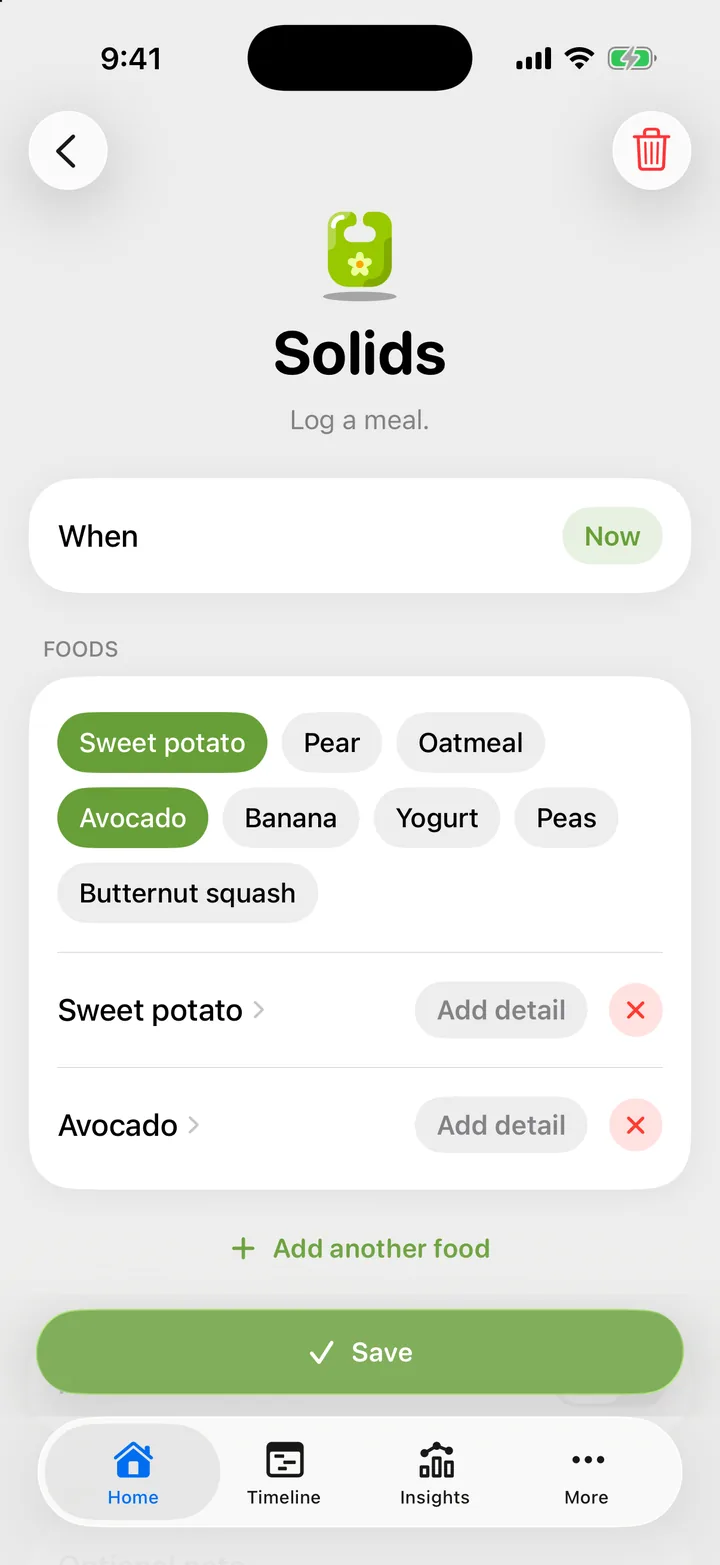
The food list is grouped by type, fruit first. Search finds foods in the list and in your own history. Cami stores the name as you see it, in your language.
How much, and how it went
Each food has a small pill on the right that reads Add detail. Tap it to choose:
- How much: Taste, Some, Lots, or Other… to type your own words, such as “half a jar”.
- How it went: Loved, Meh or Hated.
Both are optional. Tap a choice again, or Clear, to remove it.
Note a reaction
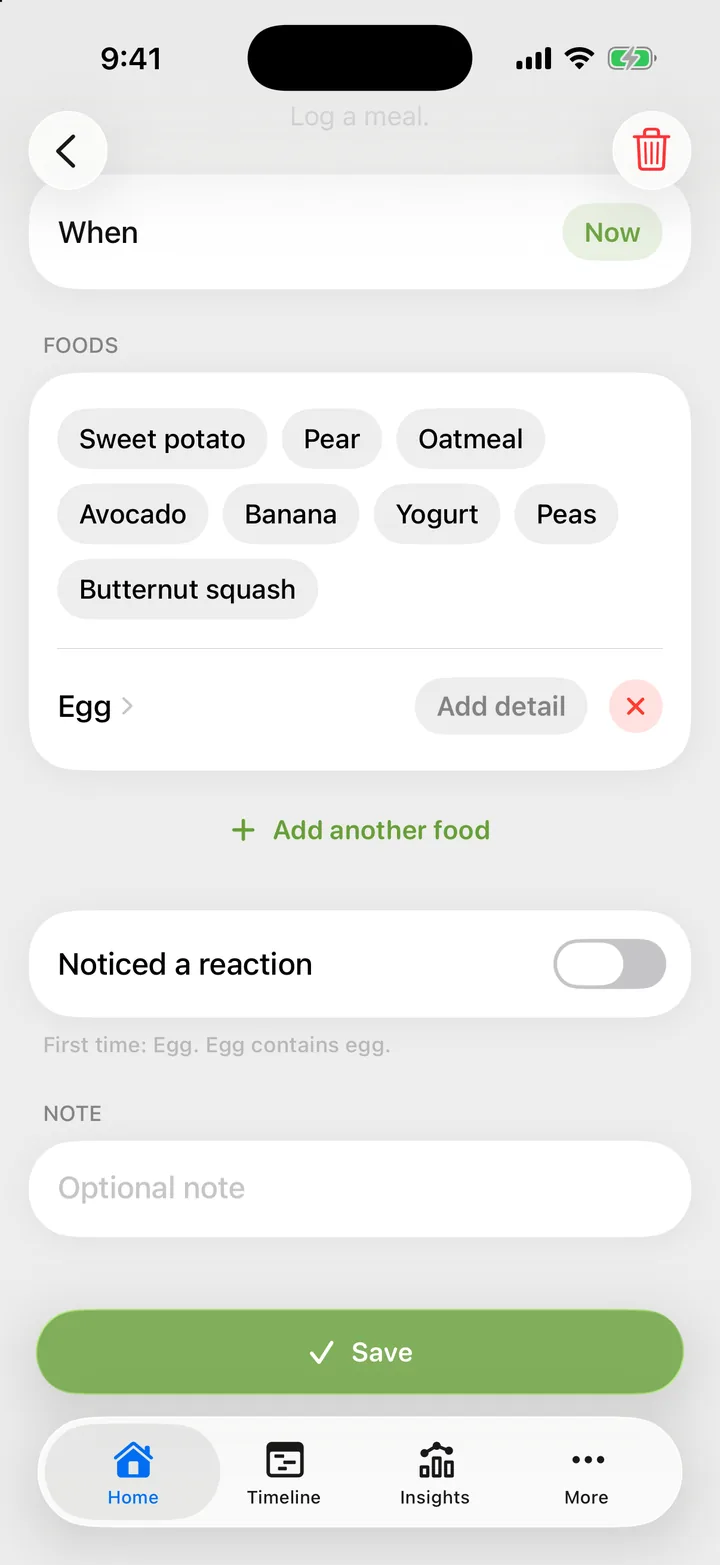
Turn on Noticed a reaction if you saw something after the meal, and write what you saw in the note. The flag is for the whole meal, because Cami cannot know which food caused it.
First foods and allergens
When a meal has a food your child has not had in Cami before, the line under Noticed a reaction says so. It starts with “First time:” and names those foods. If the food list knows that a new food contains a major allergen, the line names it too. The list shows the same information beside each food.
This is a record of what your child ate, not advice. Ask your pediatrician when and how to introduce foods.
Troubleshooting
The food I need is not in the list
Type its name in the search field and tap the row that adds it. Next time it shows under Recent.
I can't save the meal
A meal needs at least one food. Add a food, then tap Save.

Still need help?
Write to us and a person reads it, usually within a day. From the app, Send Feedback attaches the details that help us fix it.
In Cami: More › Settings › Send Feedback