Log temperature, medicine and vaccines
Tap Temperature, Medicine or Vaccine on Home, fill in the reading, the medicine and dose, or the vaccine name, and tap Save.

Cami keeps a record of what you enter. It does not give medical advice, and it does not say what a reading, a dose or a schedule should be.
Log a temperature
- On Home, tap Temperature .
- If you took it earlier, tap Now next to When and pick the time.
- Under Reading, choose °C or °F, then tap Temperature and type the reading.
- Optional: tap where you took it: Forehead, Ear, Underarm, Rectal or Oral.
- Tap Save.

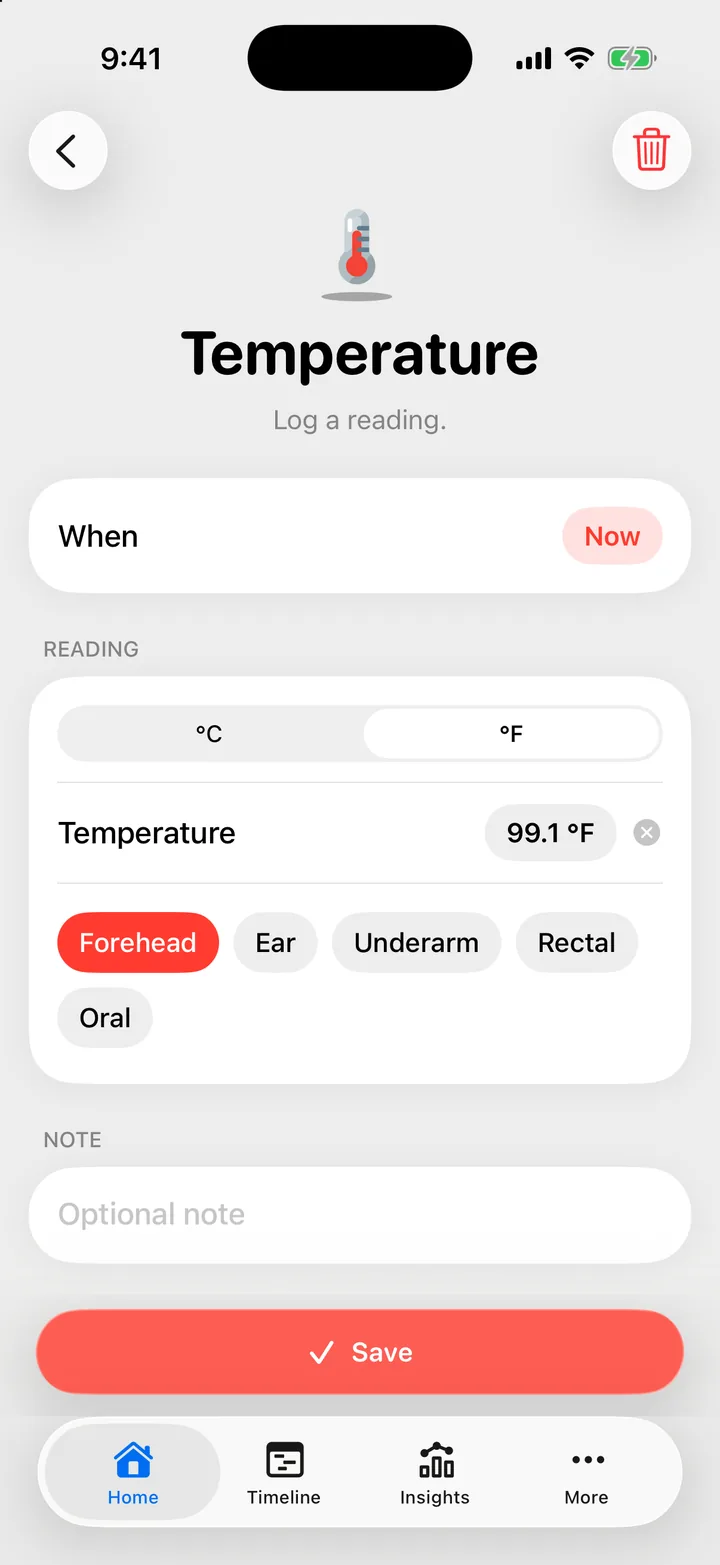
Cami remembers the site you used last. Tap it again to clear it.
Log a medicine dose
- On Home, tap Medicine .
- Tap a recent medicine chip, or tap Search or add medicine and pick or type a name.
- Optional: tap Add dose, type the amount and choose its unit.
- To log another medicine given at the same time, tap Add another medicine.
- Tap Save.

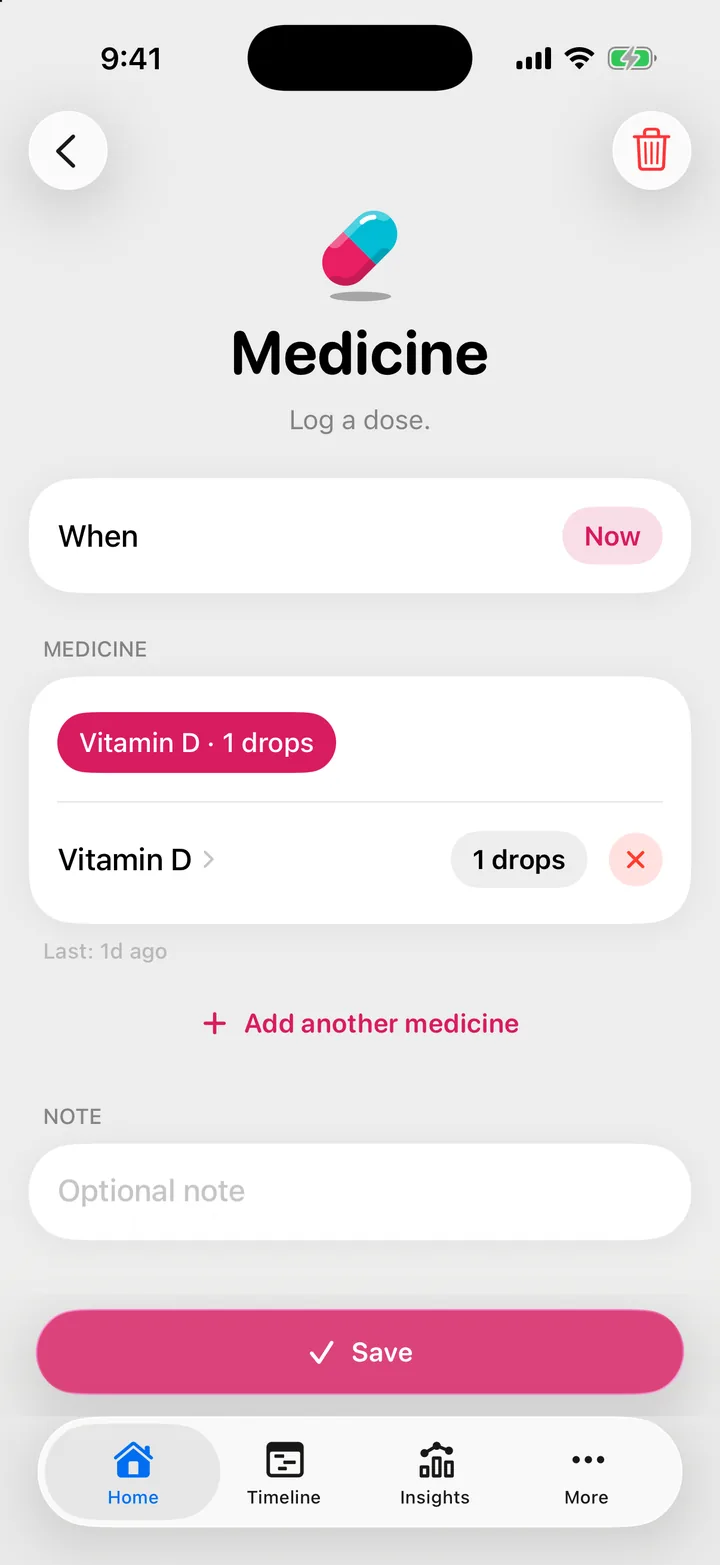
With one medicine on the form, the line under the card says when it was last given, for example “Last: 4h ago”. The recent chips carry the name and the dose you used before.
Log what your pediatrician or the label told you. Cami does not check doses.
Log a vaccine
- On Home, tap Vaccine .
- Tap Search or add vaccine and pick or type the name.
- Set the date under When if it was not today.
- Tap Save.

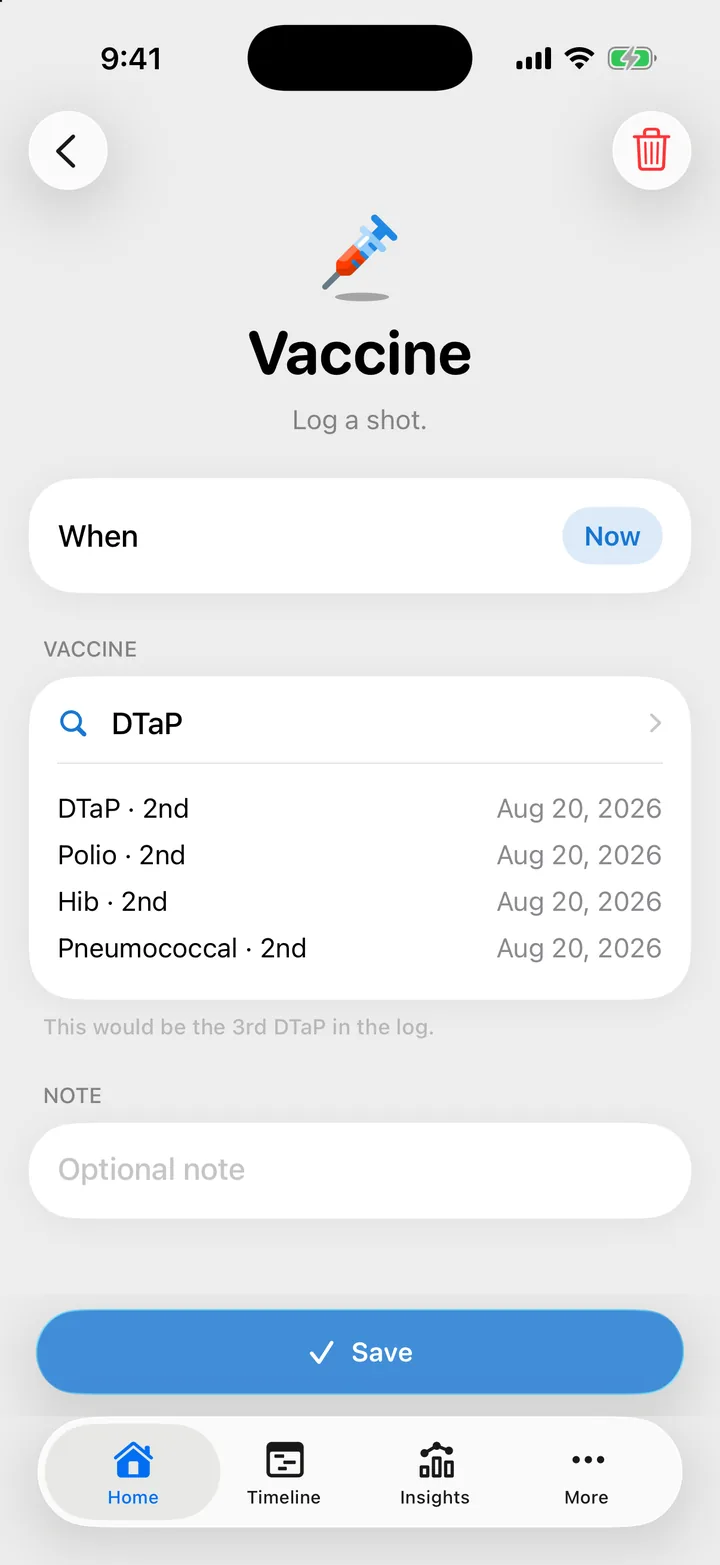
If your child already has this vaccine in Cami, the form says which one this would be, such as the 2nd. It counts from your log only. Your child’s last few shots show on the form too.
For the official vaccine schedule, ask your pediatrician.
Where to see them
Temperature and medicine show as Temp and Medicine pills on Home on the days you log them. Past entries are on the Timeline and under Health in Insights. Tap a Home pill to see the day’s readings and doses.
Troubleshooting
Cami says a reading needs to be between two numbers
The number is outside the range Cami accepts for the unit that is on. Check the unit: a reading in °F typed while °C is on does not fit.
Cami says a dose needs both its amount and its unit
Enter both the amount and the unit, or leave the dose empty.

Still need help?
Write to us and a person reads it, usually within a day. From the app, Send Feedback attaches the details that help us fix it.
In Cami: More › Settings › Send Feedback